
The exact cut-off timing for an Outward Telegraphic Transfer is dependent on the currency you are transferring in (e.g. the cut-off time for USD is 5pm, MYT). Do note that the value date of the Outward Telegraphic Transfer will roll-over to the next working day the transaction is authorised after the cut-off time.
If you have questions, please contact us.
Outward Telegraphic Transfer
Make overseas transfers easily with OCBC World Transfer
Meet OCBC World Transfer
A new name. The same trusted service.
Overseas Telegraphic Transfer is now known as OCBC World Transfer – helping you manage global payments with greater ease, transparency and control.
WHY CHOOSE OCBC WORLD TRANSFER

Send to over 60 currencies globally

Gain access to competitive FX rates for overseas transfer

Real-time updates on your transactions
Transfer funds safely and securely
DESIGNED FOR BUSINESSES THAT OPERATE GLOBALLY
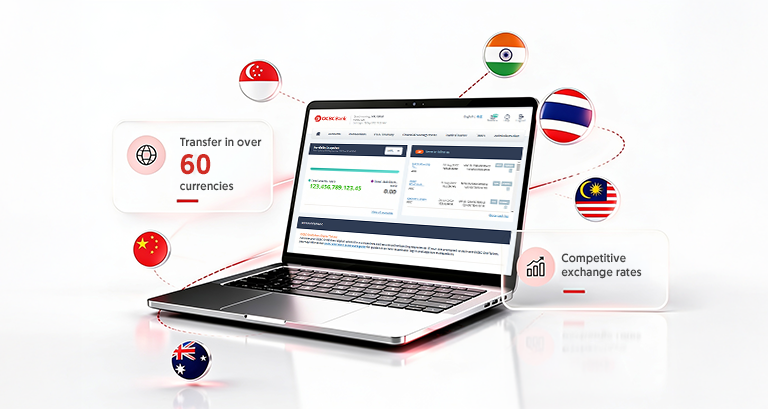
With over 60 currencies to choose from, OCBC World Transfer is ideal for businesses that:
Import or export foreign goods and services
Process invoices billed in foreign currencies
Pay salaries in foreign currencies
Trade and transact in foreign currencies
HOW TO PERFORM OCBC WORLD TRANSFER
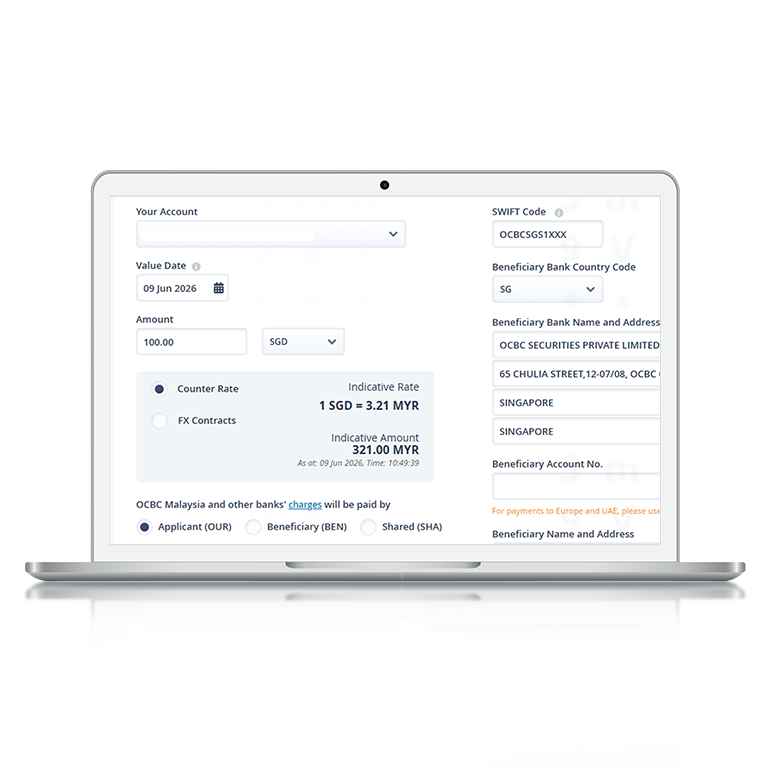
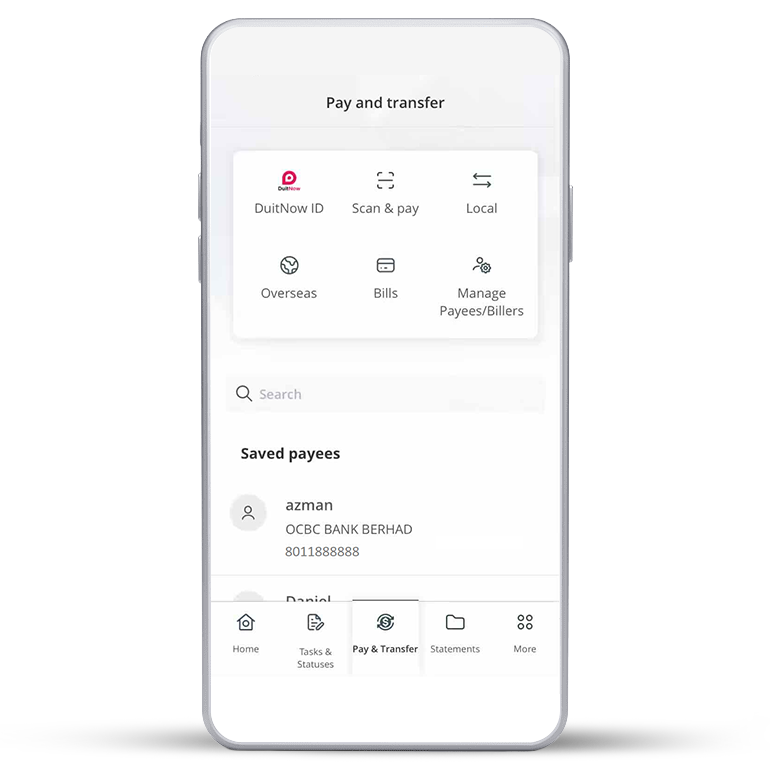
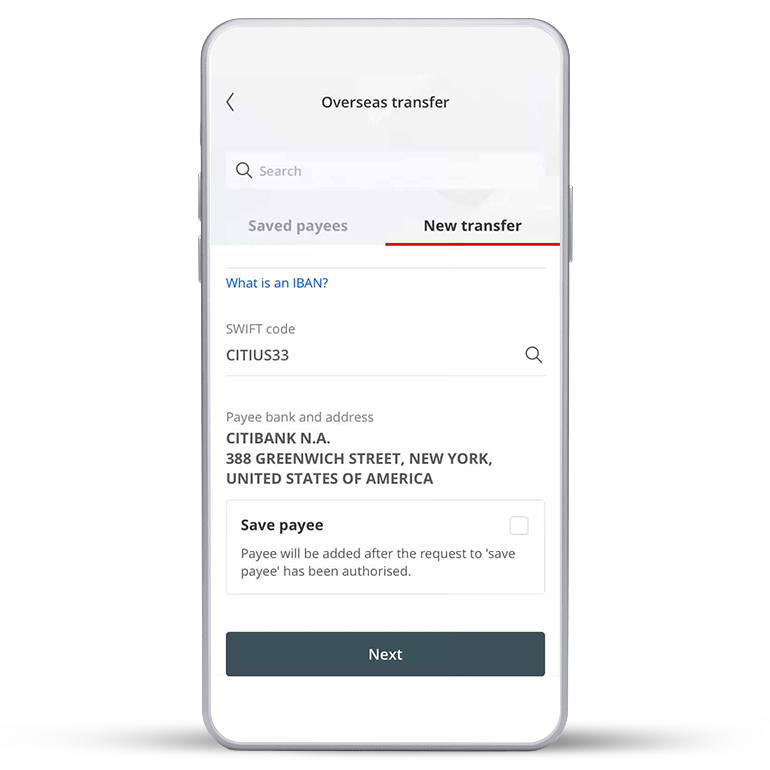
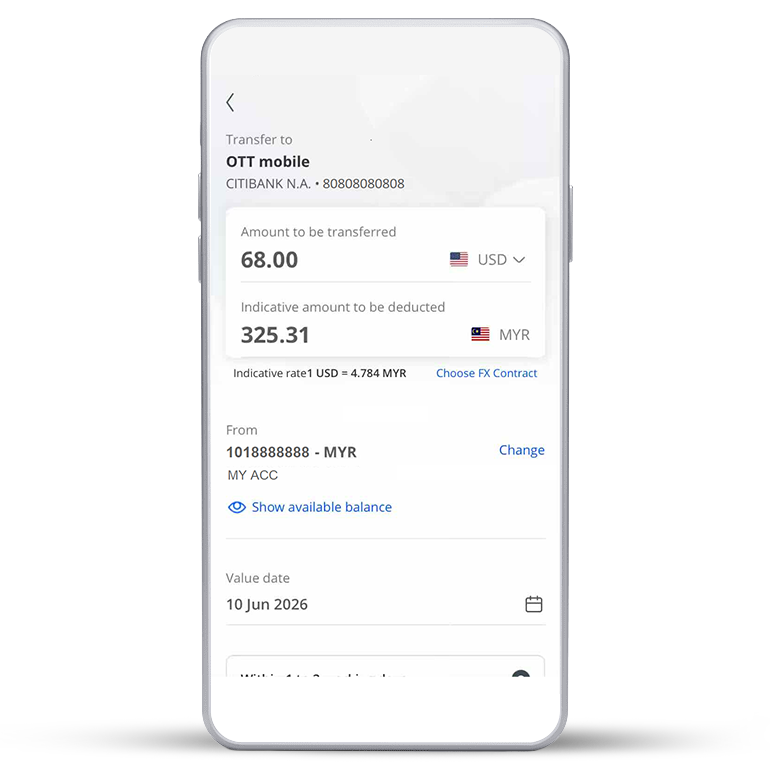
BEFORE YOU MAKE A TRANSFER
Qualifying requirements
All business banking customers on OCBC Velocity
Fees and charges
RM5.00 (for Singapore Dollar and Indonesia Rupiah)
RM20.00 (for other currencies)
*Agent fee may apply. Please refer to our Business Banking Pricing Guide.
Terms and Conditions
READY TO TRANSFER?
Make an OCBC World Transfer today
Not an OCBC Business Banking customer yet? Apply for an OCBC eBiz Account now.
FAQS
Common questions
What is the cut-off timing for Outward Telegraphic Transfers?
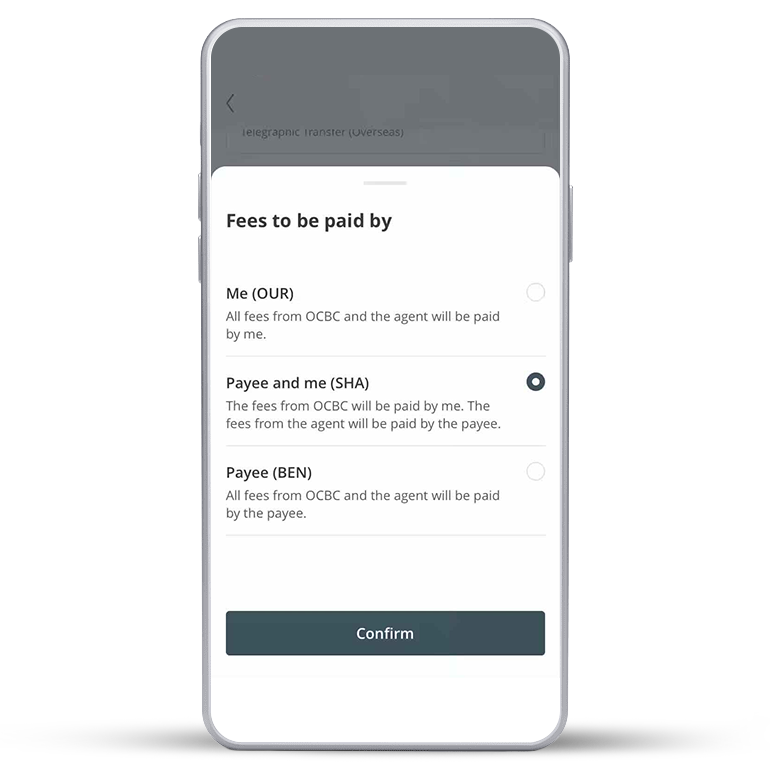
What do the different charge codes mean?
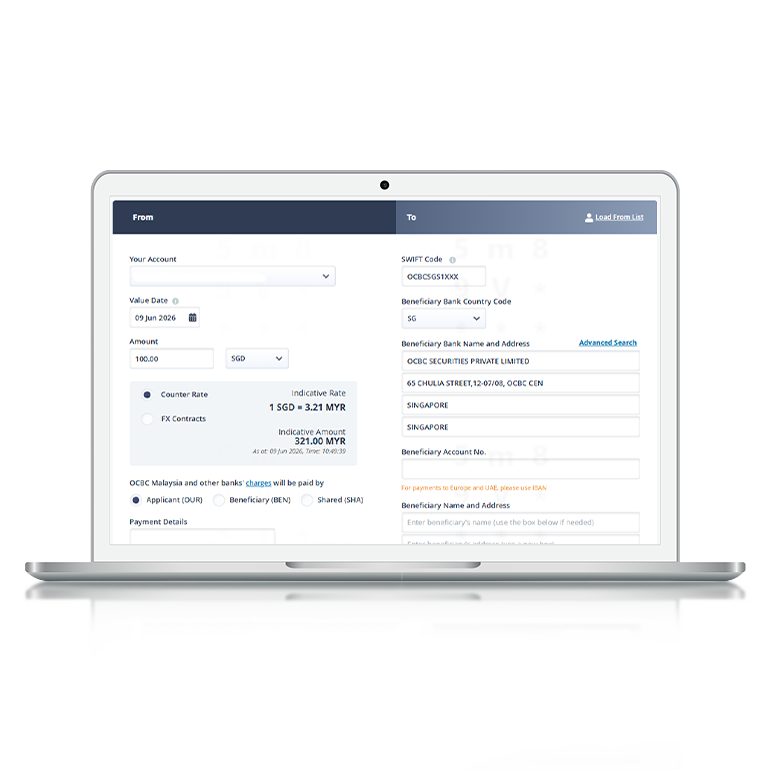
| OUR | All fees from OCBC and the agent will be paid by the sender. |
| SHA | The fees from OCBC will be paid by the sender. The fees from the agent will be paid by the beneficiary. |
| BEN | All fees from OCBC and the agent will be paid by the beneficiary. |
What information is required to make an Outward Telegraphic Transfer?
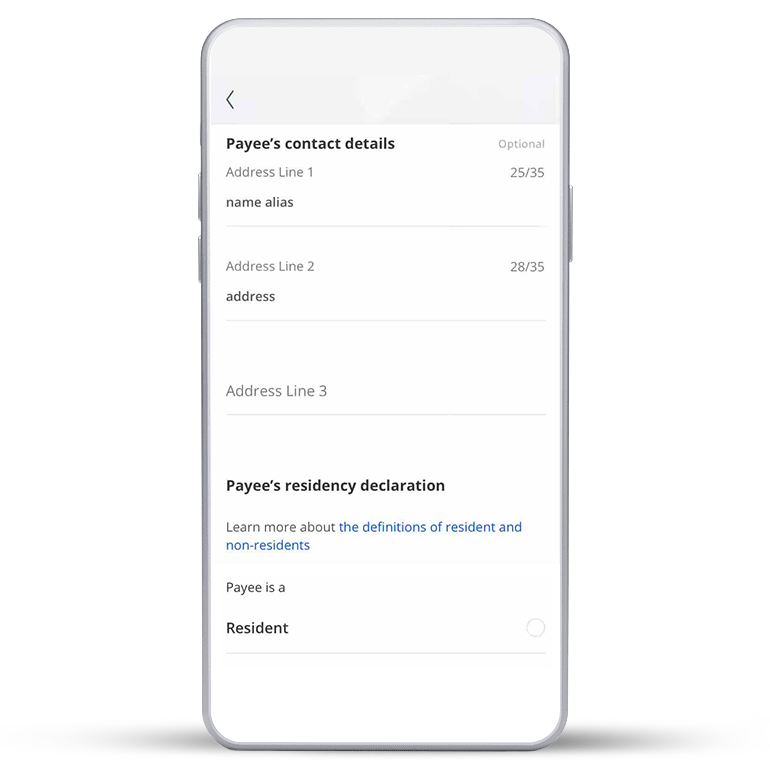
To ensure that your request is processed promptly, please provide the following information accurately:
• Your name, address and account number
• Beneficiary name, address and account number (or IBAN for payments to European countries or United Kingdom)
• Transaction currency and amount
• Beneficiary bank SWIFT BIC
• Intermediary bank (if available)
• Purpose of Transfer (if applicable)
How do I track the status of my transaction?
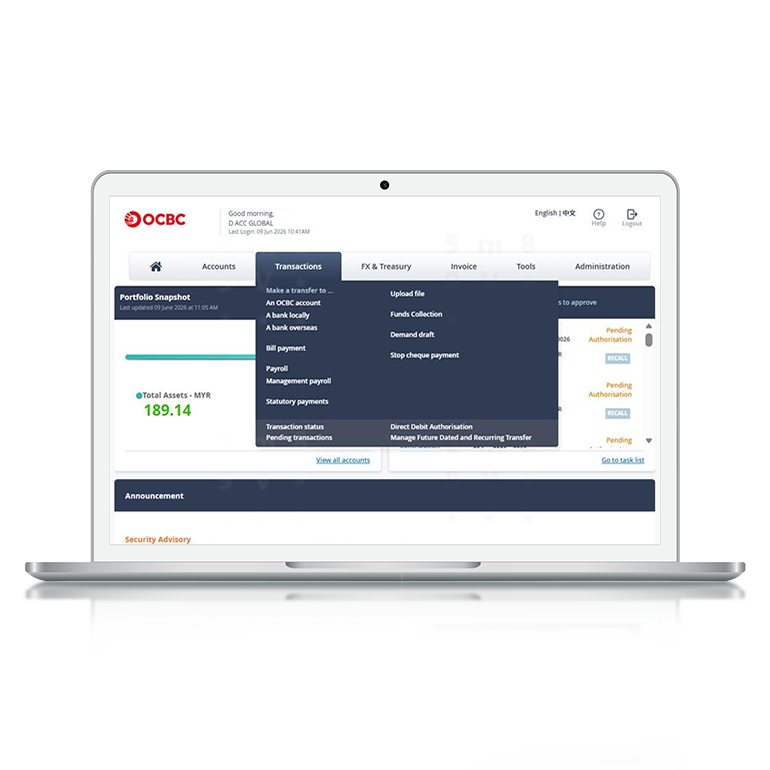
You may check your transaction via OCBC Velocity. Login and select ‘Transactions’, click on ‘Transaction Status’.
What are the available currencies for Outward Telegraphic Transfer?
AED, BDT, BHD, BMD, BND, BRL, BWP, AUD, CAD, CHF, CNH, CZK, DKK, EGP, EUR, FJD, GBP, GNF, HKD, HNL, HTG, HUF, IDR, INR, ISK, JPY, KRW, KWD, KYD, LAK, LKR, MOP, MNT, MUR, MVR, MWK, MXN, NGN, NOK, NZD, OMR, PGK, PHP, PLN, QAR, RWF, SAR, SBD, SEK, SGD, SSP, THB, TOP, TRY, TTD, TWD, TZS, USD, UYU, VND, VUV, WST, XAF, XCD, XOF, ZAR.